
Patch Tuesday is when LoL ESP looks fine in champ select and wrong in river. This checklist is for League of Legends ESP, wallhack and minimap alerts after Riot Games updates—before you risk ranked LP on bad fog reads.
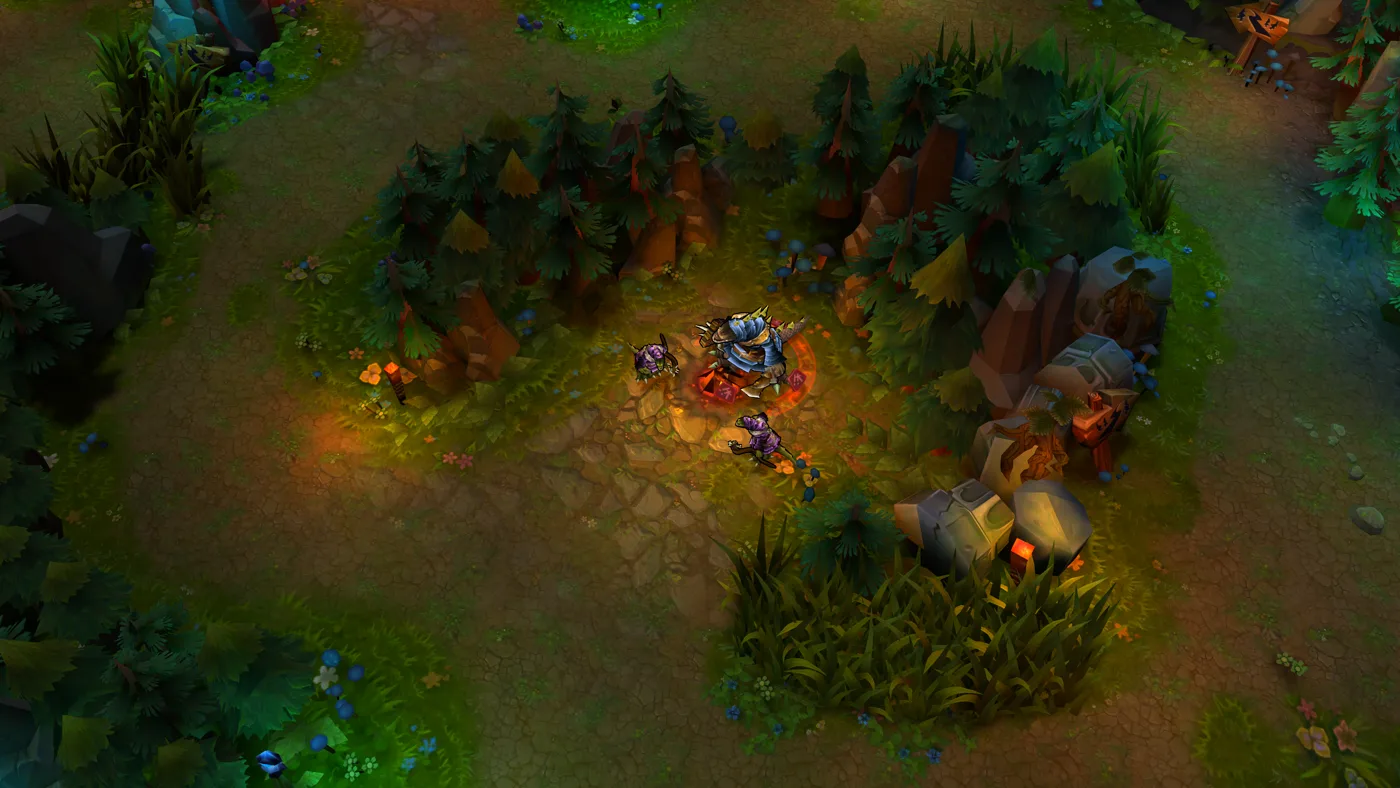
1. Confirm loader and overlay launch
Launch the loader after the Riot Client finishes updating. If overlays fail to inject or vanish after loading screen, stop—do not force ranked. Check the full patch compatibility checklist for loader-level steps, then return here for ESP-specific tests.
2. Align enemy ESP with known vision
In a normal game, ward river and compare ESP positions to what you can see on the minimap and camera. Misaligned boxes or delayed updates mean you should wait for a loader update. Enemy ESP module →
3. Retest wallhack fog reads
Walk near river brush with a known enemy path. Wallhack should show movement through fog consistently. False empties or ghost trails are ranked killers—see the wallhack guide for expected behaviour, then disable the module if the patch broke tracking.
4. Verify minimap alerts
Ask a friend to walk river while your camera is locked on a wave. Alerts should fire without spam. Broken alerts are worse than no alerts because they teach you to ignore pings. Minimap alerts guide →
5. Objective timers after map patches
When Riot changes Dragon or Baron rules, recheck objective ESP timers in a custom or normal before trusting soul or Baron calls— Baron and Dragon ESP guide.
When to stay out of ranked
Stay out if overlays misalign, wallhack ghosts, or alerts never fire. Use support guidance for what to document, and watch the changelog for site notes after major patches. Broader aimbot and farming retunes live on the compatibility checklist.